Welcome to data-conductor
You already write the SQL. It lives in a client like pgAdmin, MySQL Workbench or DBeaver, in files somewhere, and in a cron job someone set up once.
data-conductor is what happens when that grows up. Pipelines are built out of plain SQL blocks — the same queries you write today, chained together, with scheduling, versioning, real environments and monitoring around them. No DAGs to author, no new language, no framework to learn.
If you've looked at an orchestration tool and thought "that's a lot of machinery to move data between two Postgres databases" — this is the alternative.
Who it's for
Engineering teams where data has become business-critical before anyone was hired to own it. Usually there's one engineer who "knows SQL" and has quietly inherited the reporting, the exports, the warehouse syncs and the scheduled jobs — on top of the job they were actually hired to do.
You don't need a data platform team to work like one.
What you get
- Pipelines from SQL blocks — each step is a query. Chain them, and branch on what a step actually returned.
- Scheduling — CRON, on demand, or as an API endpoint.
- Real environments — QA and production with their own variable values, so the same SQL runs safely against both.
- Versioning — every change tracked; deployments pin a version, so editing a draft never disturbs what's running.
- Monitoring — which step failed, why, and what it returned.
- File ingestion — drop a CSV or Parquet file straight into a table.
Start with one scheduled query. Add the rest when you need it.
Key Features
🔧 Data Tools
Write a query, test it against a real connection, save it as a versioned step. Variables let the same SQL run against QA and production with different values.
Data Tools → · SQL Data Steps →
🔗 Workflows
Chain steps into a pipeline and put conditions on the connections between them.
A step can run only when the one before it returned rows, or returned a
particular value — NUM_RECS > 0 rather than a Python operator.
🚀 Deployments
Run a pipeline on a schedule, on demand, or as an API endpoint. Deployments pin a version, so editing a draft never changes what production is doing.
📊 Monitoring
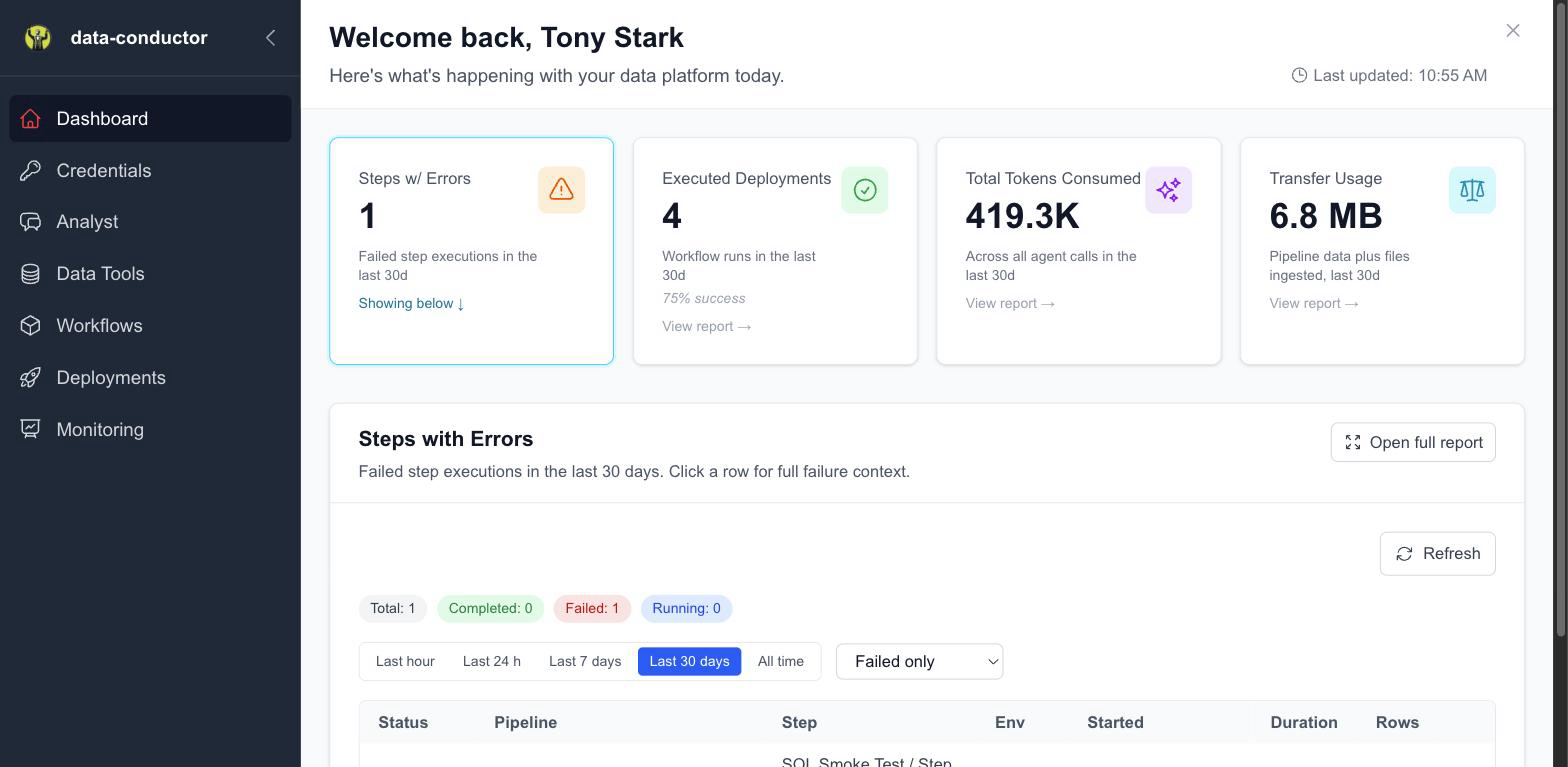
Did it run, what did it do, and who asked for it. Step-level failures with the actual error, workflow runs with what triggered them, and how much data you're moving.
💬 Analyst
Ask a question in plain language and get SQL written against your own indexed schema — then save it as a data step like any other.
🔒 Security
Role-based access, API tokens, IP allowlisting with CIDR support, and an audit trail of every action. Credentials are encrypted and never returned to the browser after saving. Egress IPs are published so you can allowlist us.
Start here
Three steps to a scheduled pipeline:
- Connect a database — the connection your SQL runs against
- Write your first data step — a query, saved and versioned
- Schedule it — CRON, on demand, or as an API
Full walkthrough: Getting Started · Your First Pipeline
When something breaks
- Troubleshooting — failures by symptom, with what actually fixes them
- FAQ — the questions that come up most
Neither has the answer? The error message in Monitoring → Runs carries the real database error, which is usually the fastest way in.